System administrator features
An overview of features just for system admins, to help you manage Theta Assist within your organisation
In this article
Theme
Customise the theme of your Theta Assist
Upload a logo and specify your primary colour.
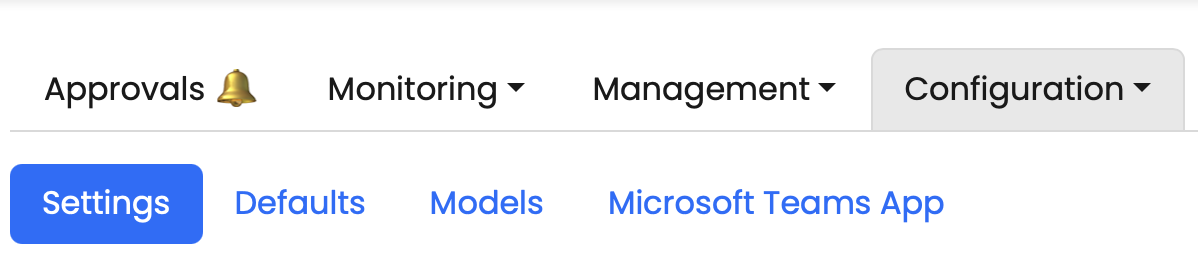
Assistants
Push an assistant or set of assistants to users’ home pages
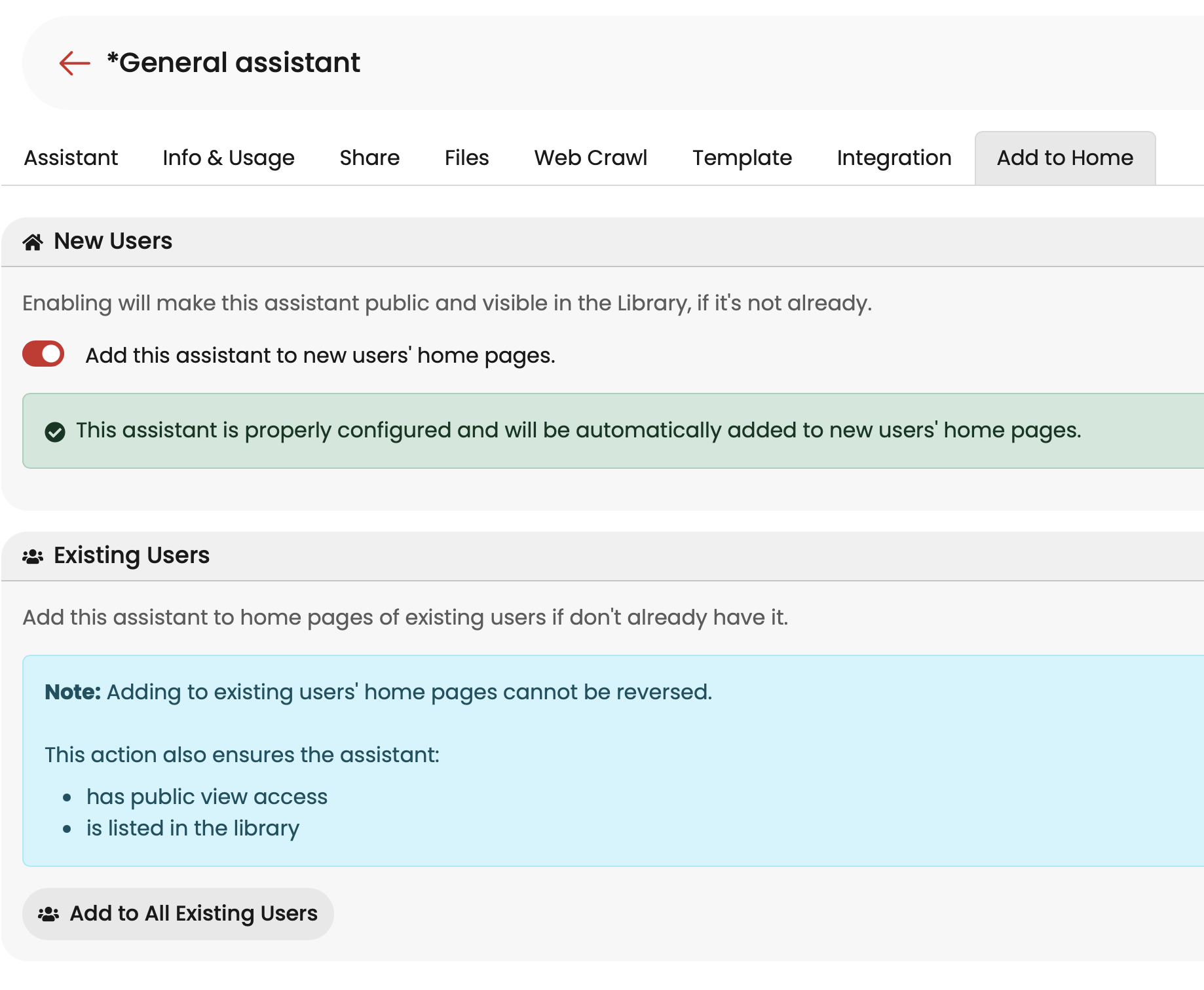
Transfer assistant to another owner
A useful assistant created by a staff member who has subsequently left the organisation? Transfer the ownership of that assistant to someone else, so they can manage and maintain it.
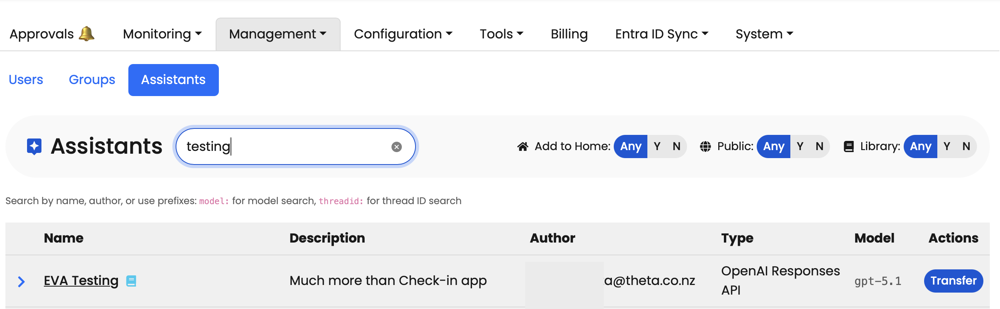
Monitoring
Usage analytics
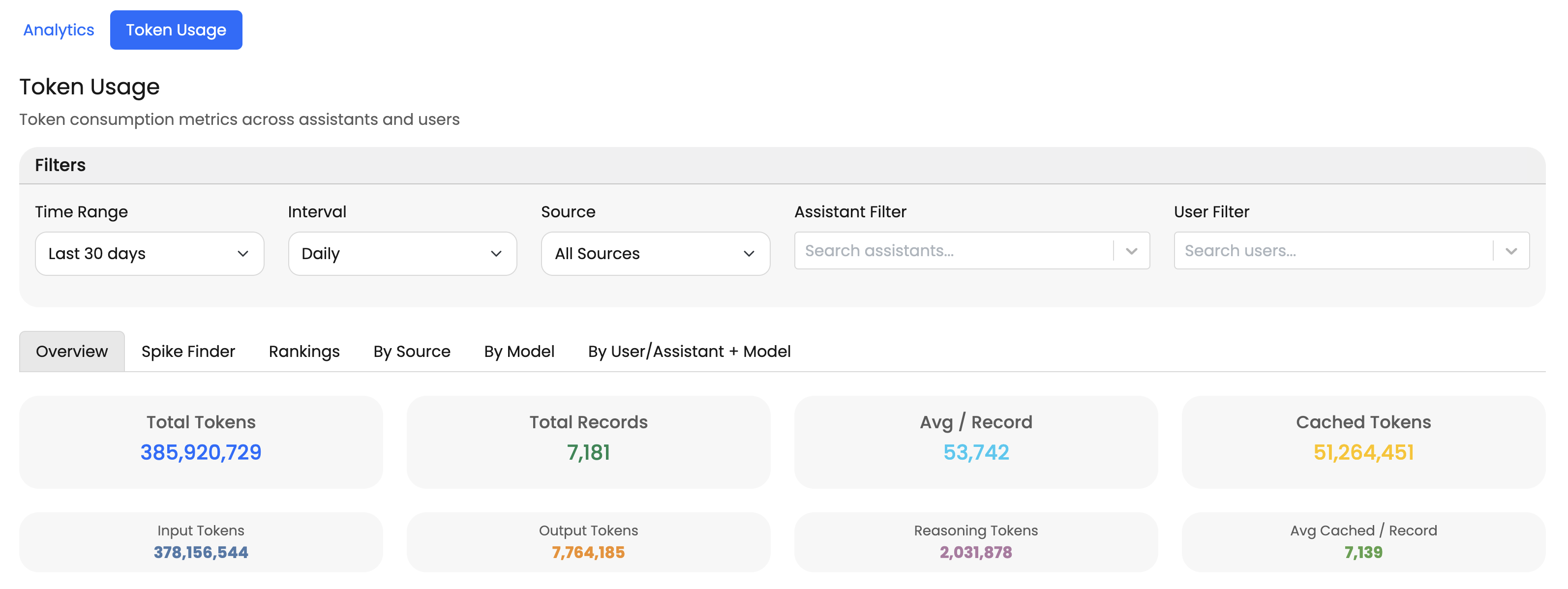
Get insights on how Theta Assist is being used across your organisation:
- Which assistants are most popular?
- Who are your power users?
- What are the usage patterns?
- Which models are driving token usage?
Find the dashboards at Monitoring > Analytics and Monitoring > Token Usage
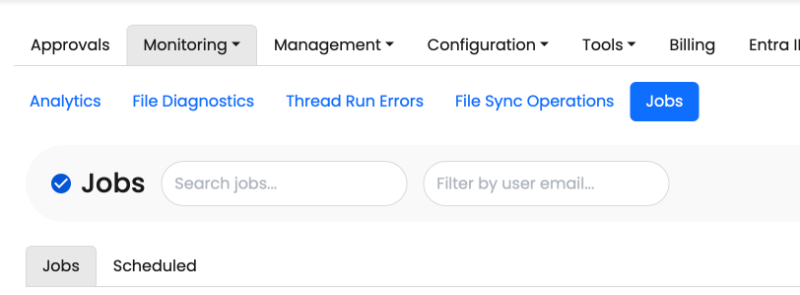
Job monitoring
Monitor all jobs scheduled and run:
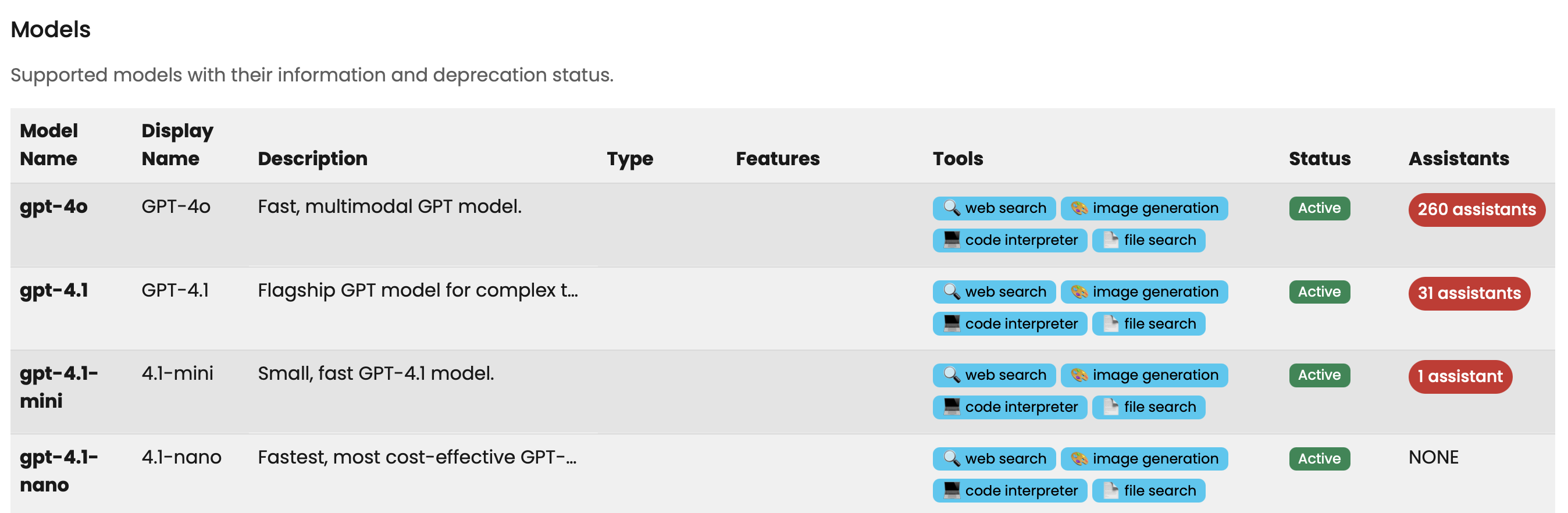
Models
Get an overview of supported and deprecated models, the tools they support and whether they are used in any assistants:
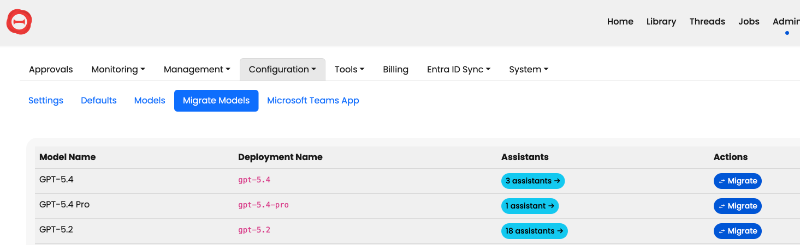
Model migrate
See all the Assistants on a specific model version and move them to a new model in bulk:
Entra ID Sync
Synchronise users and groups with your Entra ID. Learn more