Key concepts
An introduction to some of the key terms and concepts used in Theta Assist
In this article...
Threads
Threads, or conversations, are interactions between you and the assistant.
Your conversation history is stored as threads.
- Open an existing thread to continue that conversation
- Start a new thread for a different request
User or conversation prompt
Conversation prompts are the ones you use when chatting with an AI assistant - asking it questions or giving it instructions - e.g. ‘summarise this text for me’.
System prompt
System prompts are the prompts that tell an assistant what job it has, or how to behave across all the conversations it has. System prompts mean you don’t have restate your expectations every time you start a conversation - and can be a very powerful feature.
Simple system prompts
A system prompt can be as simple as telling the assistant to 'use a professional tone of voice and New Zealand spelling'. Or setting the role perspective you want e.g. “You are an experienced science communicator, simplifying complex topics clearly.”
Advanced system prompts
- System prompts can be more advanced, and include multiple steps or instructions, output format and more.
- For example - your prompt could say the assistant should 'act like an interviewer and ask the user a specific set of questions to gather required information, as follows...'.
System prompts in Theta Assist
In Theta Assist, you can edit the system prompt (also called 'instructions') when you create or edit an assistant.
Files
Assistant files
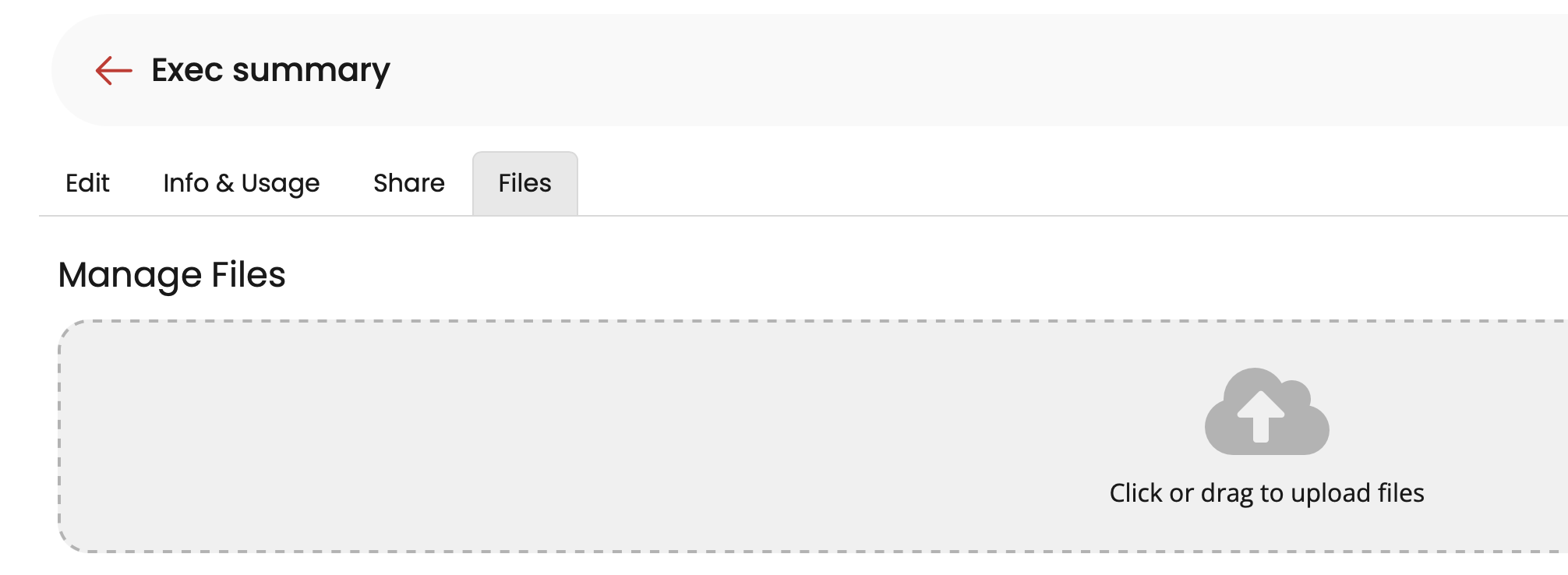
An assistant file is available to the assistant whenever it's used. An assistant can have a collection of assistant files to support it. Typically, assistant files are reference materials that the assistant can search to help it answer questions or complete a task. Text-based files work best.
Add assistant files via the Files tab when editing an assistant:
Message files
A message file is any file that the assistant can use to formulate its response.
Use the paperclip icon to attach a message file: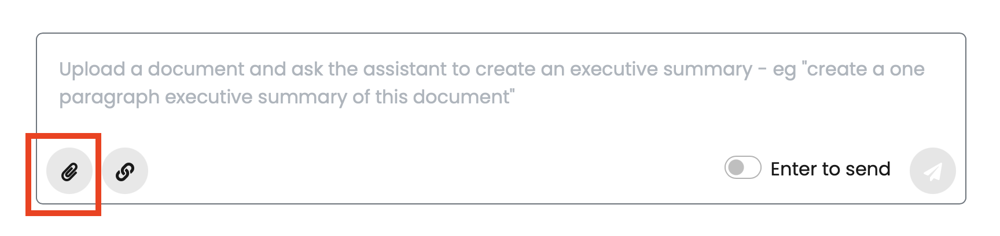
Models
'Models' refer to large language models (LLM) - trained on vast amounts of text data, to be able to understand and generate human text.
When you chat with Theta Assist, you interact with an LLM.
Different models have different capabilities, and in some cases you can change the model used by your Assistant, to best suit the task you're trying to complete.
Context
Context is the information the model remembers during a conversation or interaction. It can include file content as well as things you have typed.
Theta Assist shows a context usage indicator in each thread so you can see how much of the available context window has been used.

If a thread becomes very long, older parts of the conversation may have less influence on the assistant’s response.
Memory
Assistant memory, when enabled, allows an assistant to access all conversations with that assistant that have been added or edited after memory is enabled.