User and group management
System admins can use Admin > Management to manage users and groups in Theta Assist.
In this article...
Users
Select Users to search for a user or browse the list alphabetically.

Select a user to review their:
- roles
- group memberships
- authored assistants
From this screen you can:
- assign or revoke roles
- transfer ownership of assistants they have authored
Review profile updates
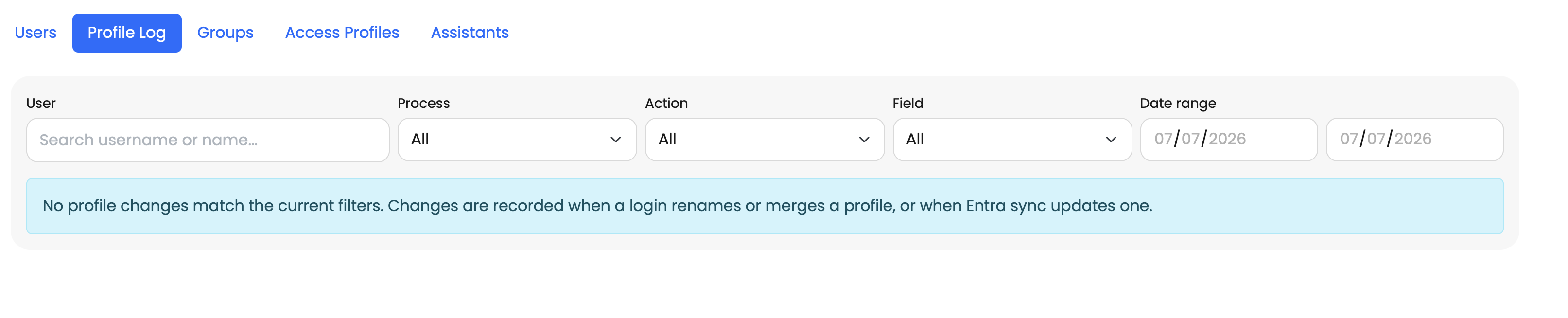
If a user’s profile details change between logins or during Entra ID Sync, Theta Assist shows those updates on a dedicated profile log page.
Use this page to review changes to user profile information after sign-in or synchronisation. This can help when troubleshooting login or profile mismatch issues.
Groups
The Groups screen shows synchronised groups from Entra ID Sync.
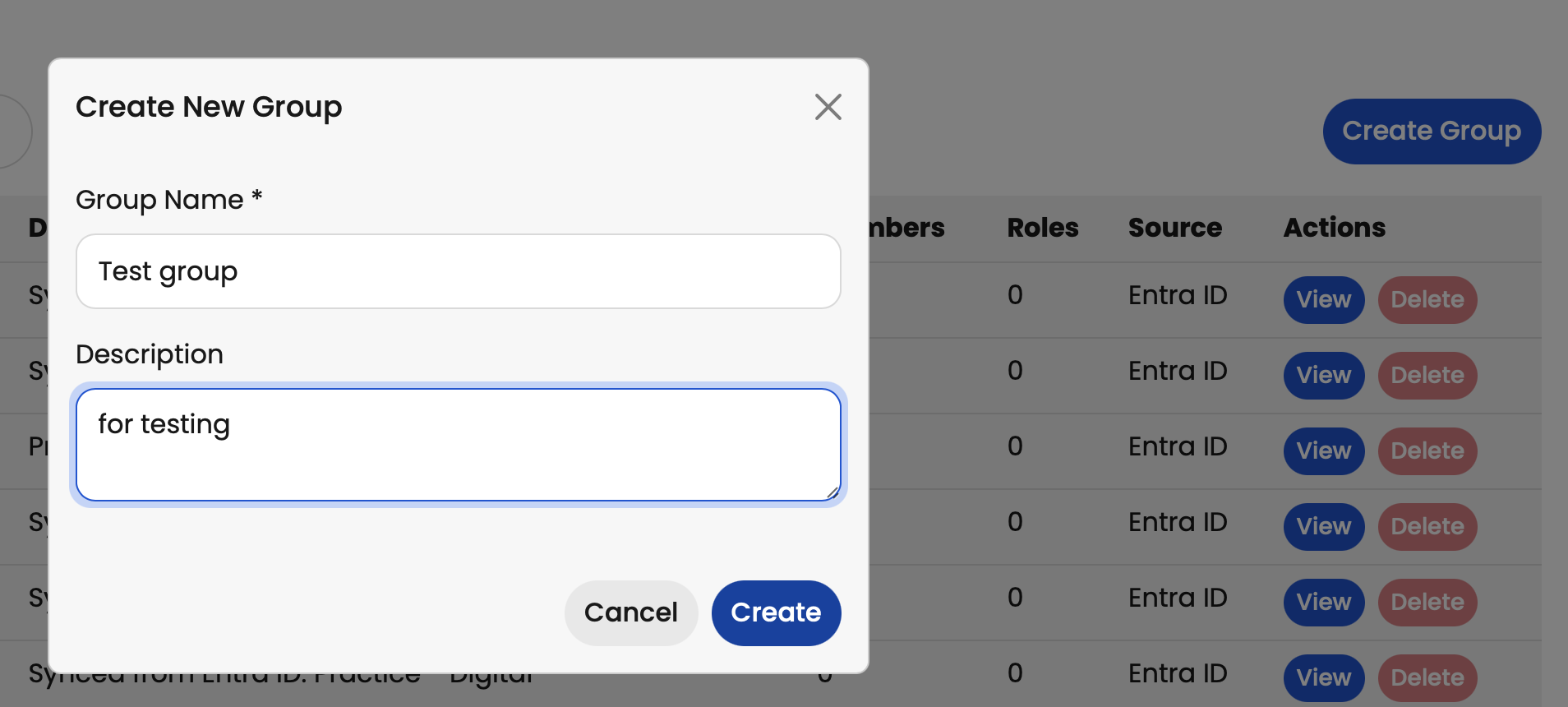
You can also create a new group:
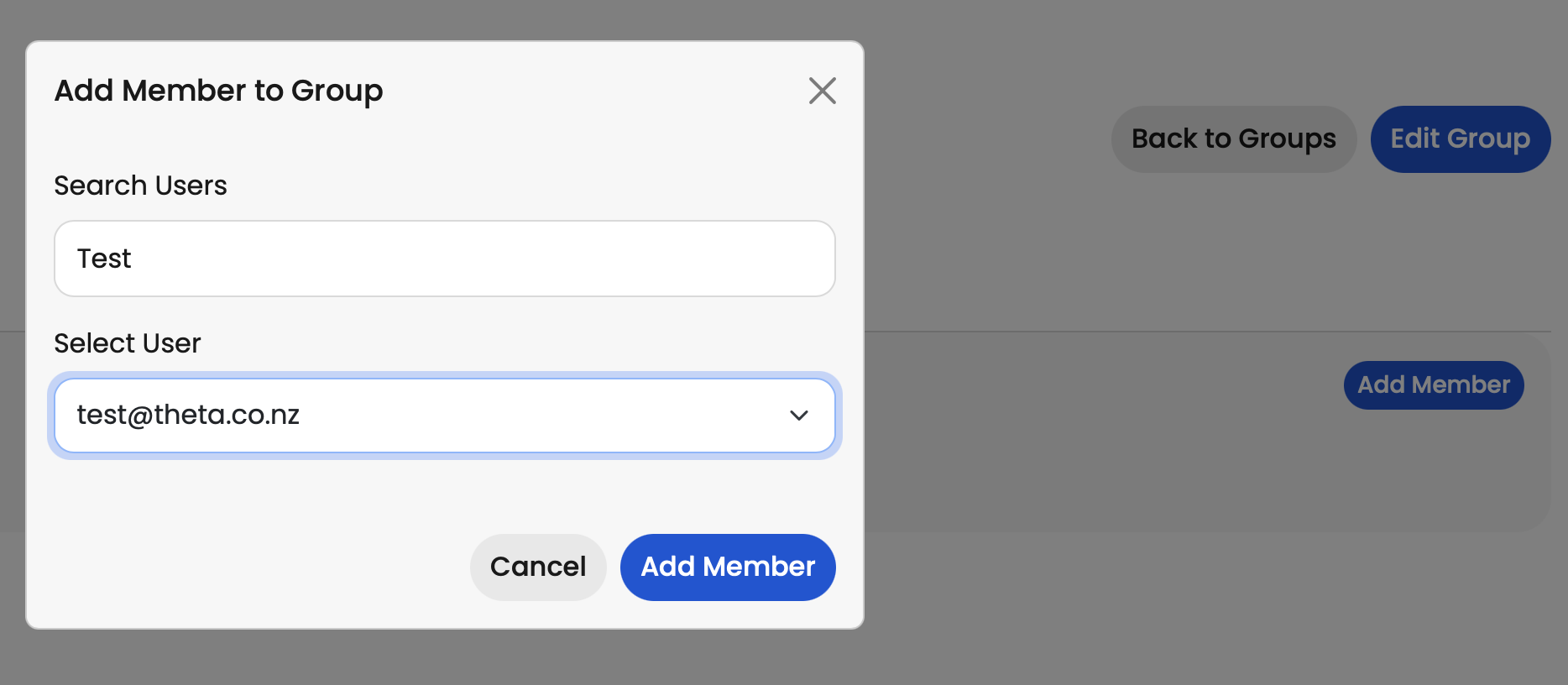
After creating a group, you can add members to it:
Groups, whether synchronised or created manually, can be used to share assistants and threads more easily.
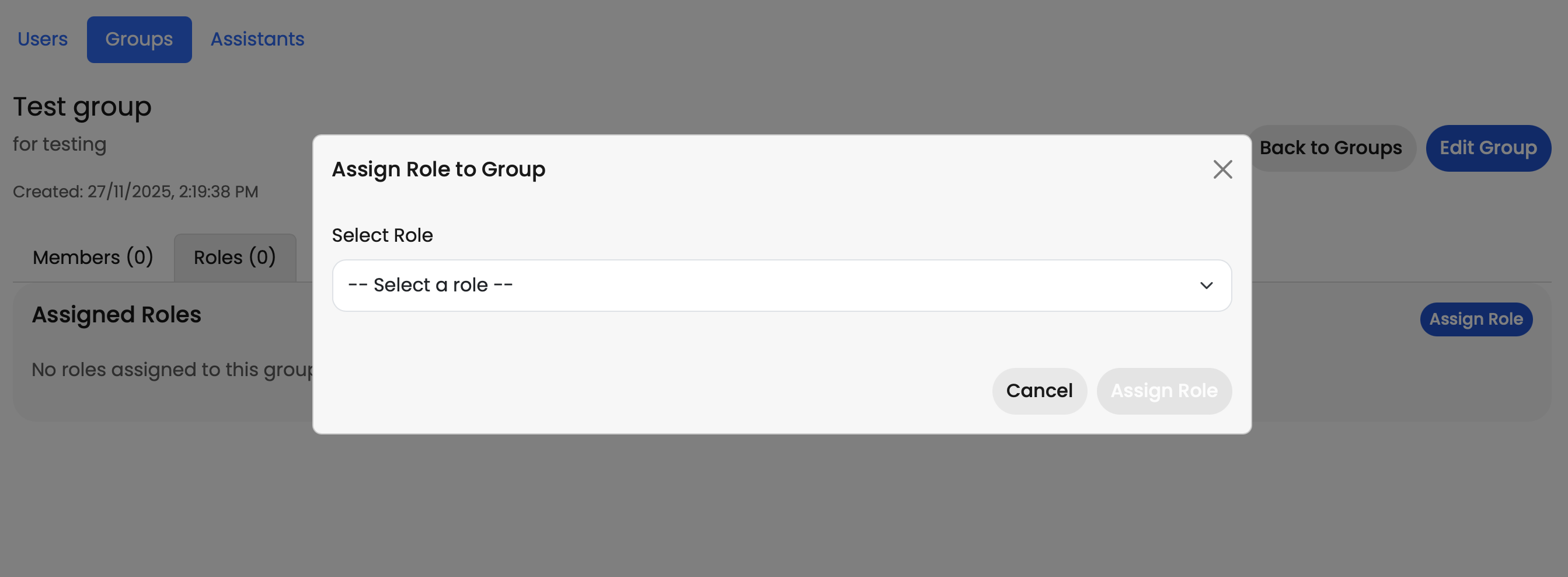
You can also assign roles at a group level: